Speak naturally
No code lookups, no forum threads. Describe what you're seeing or hearing and get an answer that fits your car.
Private beta for iPhone
Your car is already telling you what's wrong.
ChatOBD translates it into plain language.
Confirm your address, then one email when access opens.
Real questions
Pick a question to follow the conversation.
How it works
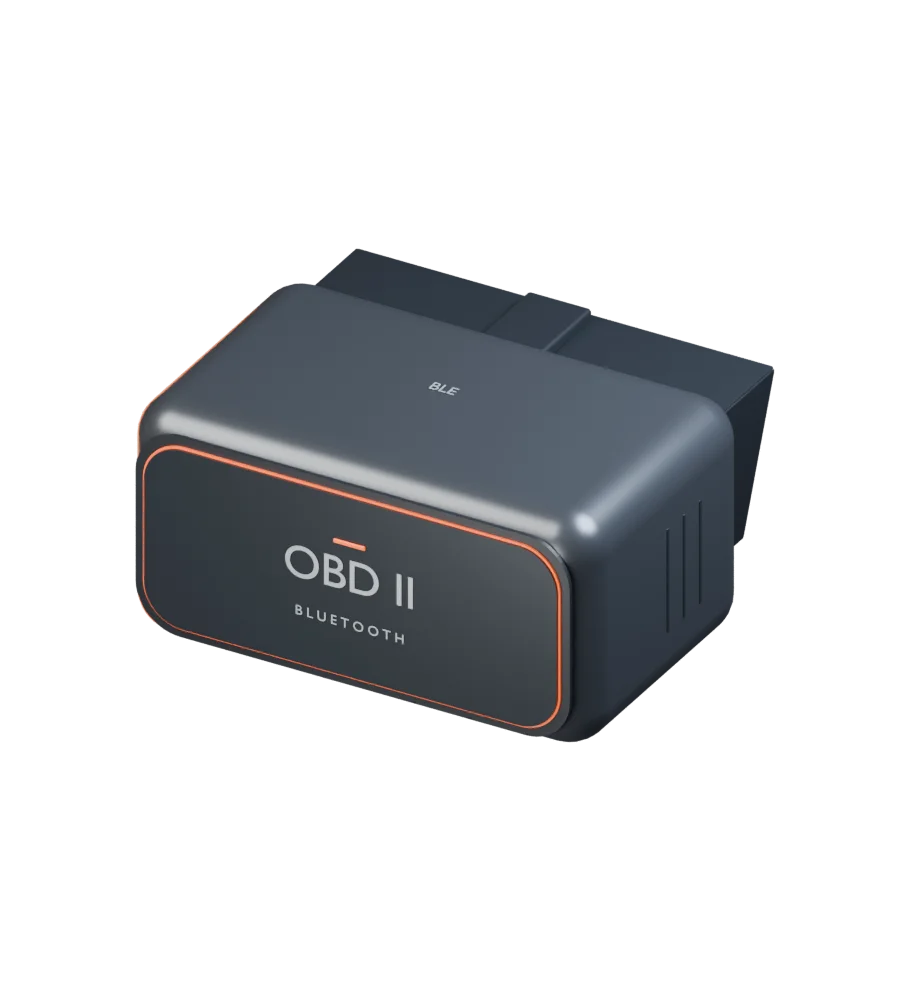
Any Bluetooth OBD-II adapter fits the port under your dash. Most cars built since 1996 have one.
 2
2ChatOBD pairs with the adapter and reads your car's trouble codes and live sensors in seconds.
 3
3Get a plain-language read on what a light means, how urgent it is, and what to check first.
One connection. More understanding.
A Bluetooth OBD-II adapter brings your car’s data into ChatOBD.
Specialist agents help you make sense of it.
Turn trouble codes into context, urgency, and a clear next step.
See what your engine is telling you, as it happens.
Bring your vehicle’s profile and history into the conversation.
Make sense of a repair and arrive at the shop informed.
Concept adapter shown. Use a compatible iPhone Bluetooth OBD-II adapter.
You can also use ChatOBD without one.
ChatOBD Assistant
Ask a question, snap a photo of the dashboard, or record the noise your engine is making. A team of specialised agents works out what it means and answers in plain language.
No code lookups, no forum threads. Describe what you're seeing or hearing and get an answer that fits your car.
Share a dashboard photo, an engine recording, or an OBD scan. Ask about them in the same conversation.
 Dashboard photoEngine at idle0:08OBD scan
P0301This light came on and the engine sounds rough.
P0301. Is the check-engine light steady or flashing?What it does
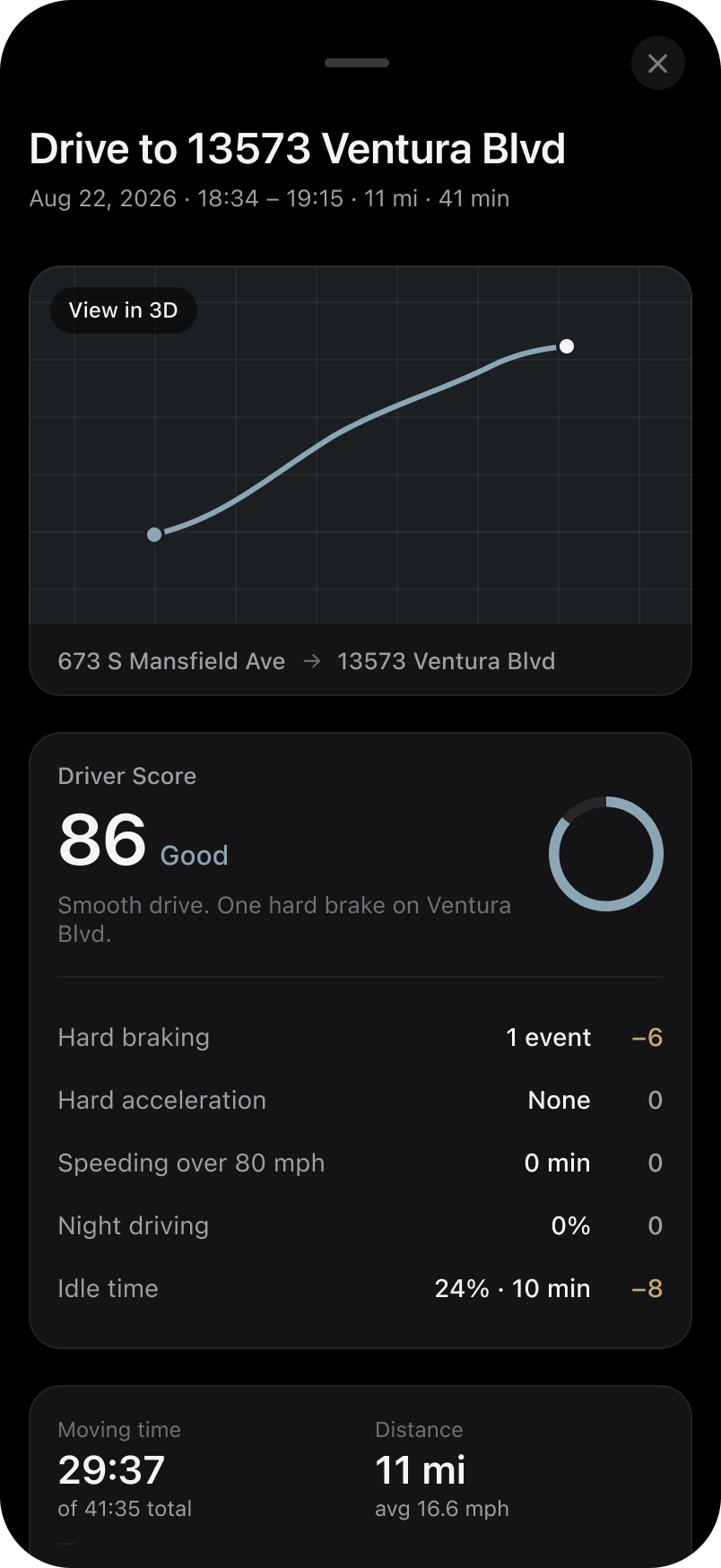
ChatOBD combines real diagnostic data from your car with a plain-language assistant, so you know what's happening and what to do about it.
Usually a worn spark plug or ignition coil.
Understand what a code means, how urgent it is, and what to check before you book a repair.
Live readings from your car's sensors, so you can watch a problem develop instead of guessing.
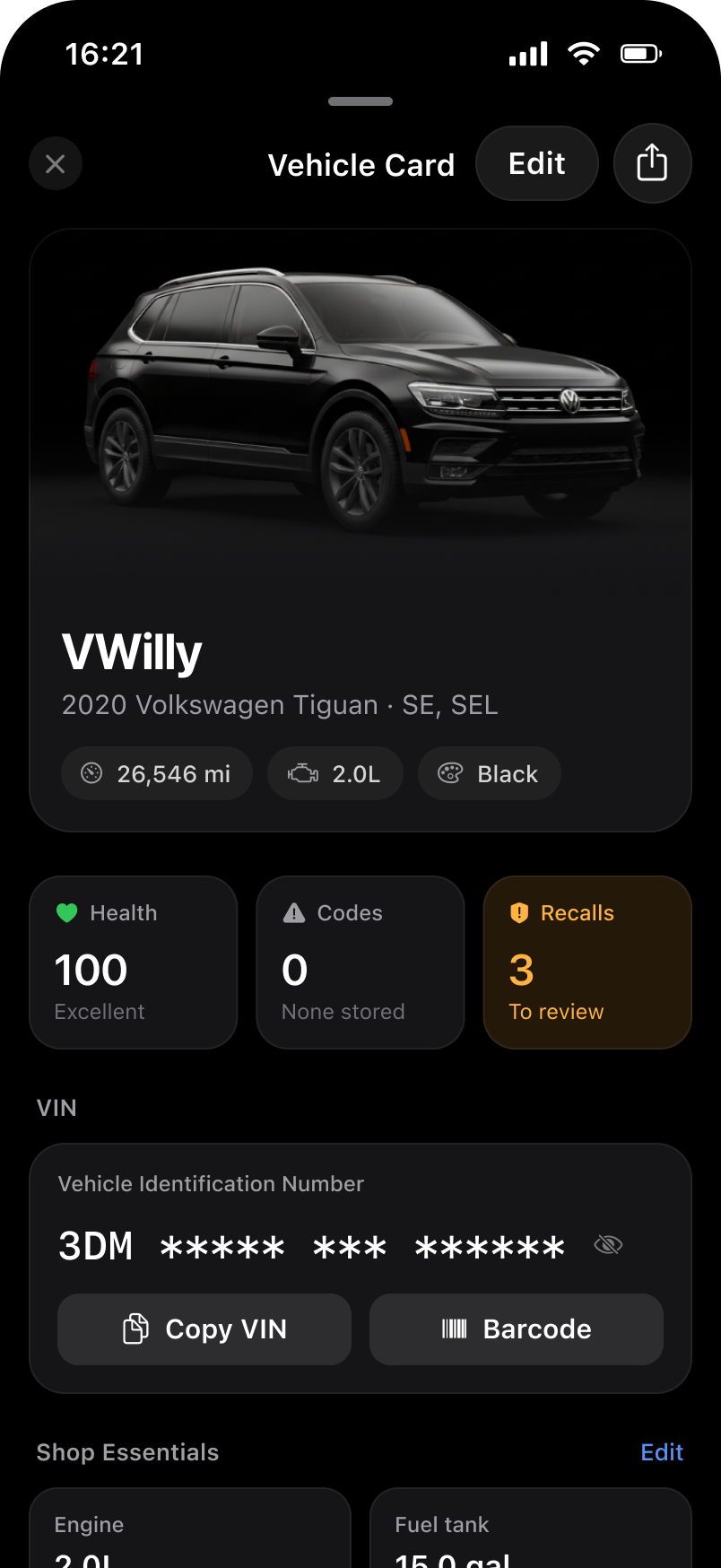
Scans, drives, and questions are kept per vehicle, so nothing gets lost between visits to the shop.
ChatOBD × Meta Display
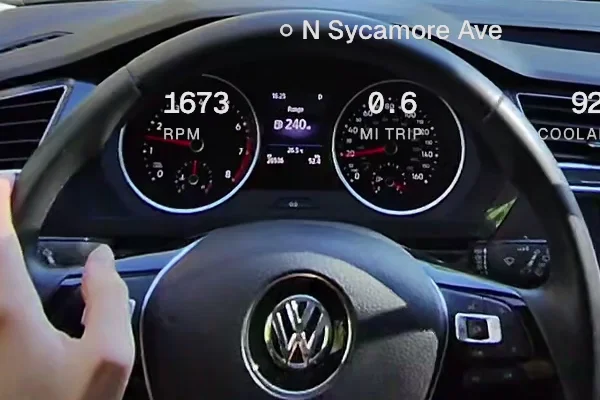
Connect Meta Display glasses to ChatOBD to see live vehicle data, check trouble codes, and track your driving milestones.
See your speed and compass heading alongside RPM, engine temperatures, and trip distance as they update.
Check stored OBD trouble codes and when your car was last scanned, directly on the display.
View the stickers you've earned and progress toward your next one, like reaching 100 miles for Road Tripper.
Meta Display integration preview
Video couldn't load. Open the recording directly ↗
FAQ
No. ChatOBD works without an adapter. A Bluetooth OBD-II adapter adds direct vehicle telemetry and improves automatic trip detection accuracy, so it is recommended for the complete experience.
Any car with an OBD-II port. That covers nearly all gasoline cars sold in the US since 1996, and most cars sold in Europe since the early 2000s.
Beta access through TestFlight is free. After confirming your address, the waitlist sends one email when invitations open.
Not yet. The private beta is iPhone only.

Early access for iPhone
Confirm your address, then get one email when private beta access opens.