Speak naturally
Ask by voice and follow up without starting over.
Open beta for iPhone
An iPhone assistant for warning lights, unfamiliar sounds, and repair quotes, with answers in plain language.
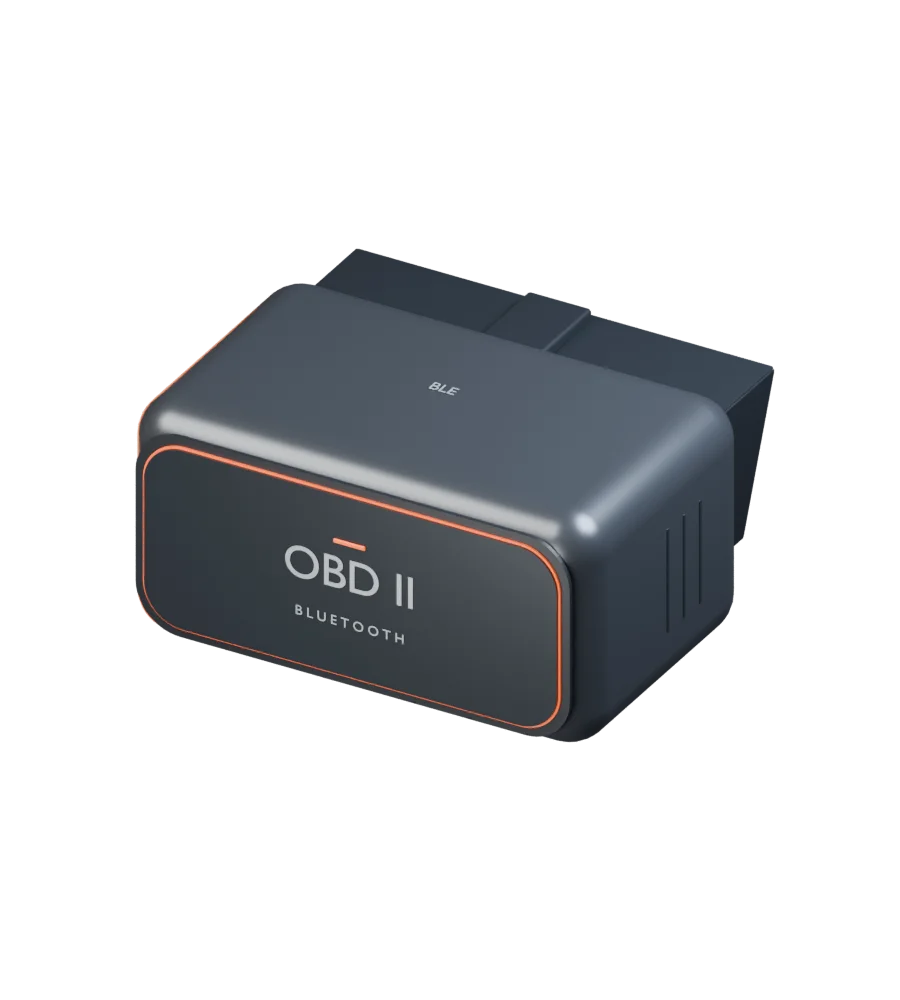
We recommend a compatible iPhone Bluetooth OBD-II adapter for direct vehicle readings.
AI specialists for your car
The adapter gives ChatOBD's AI specialists readings from your car
to use alongside the symptoms you describe.
Consider the code alongside the symptoms you've noticed.
Explore why a sensor reading rises or falls.
Include earlier scans and vehicle details in the answer.
Break down a quote and work out what to ask before agreeing.
Concept adapter shown. Check iPhone compatibility when choosing yours.
How it works
Plug in. Connect a compatible Bluetooth OBD-II adapter to your car's diagnostic port, then pair it with ChatOBD on your iPhone.
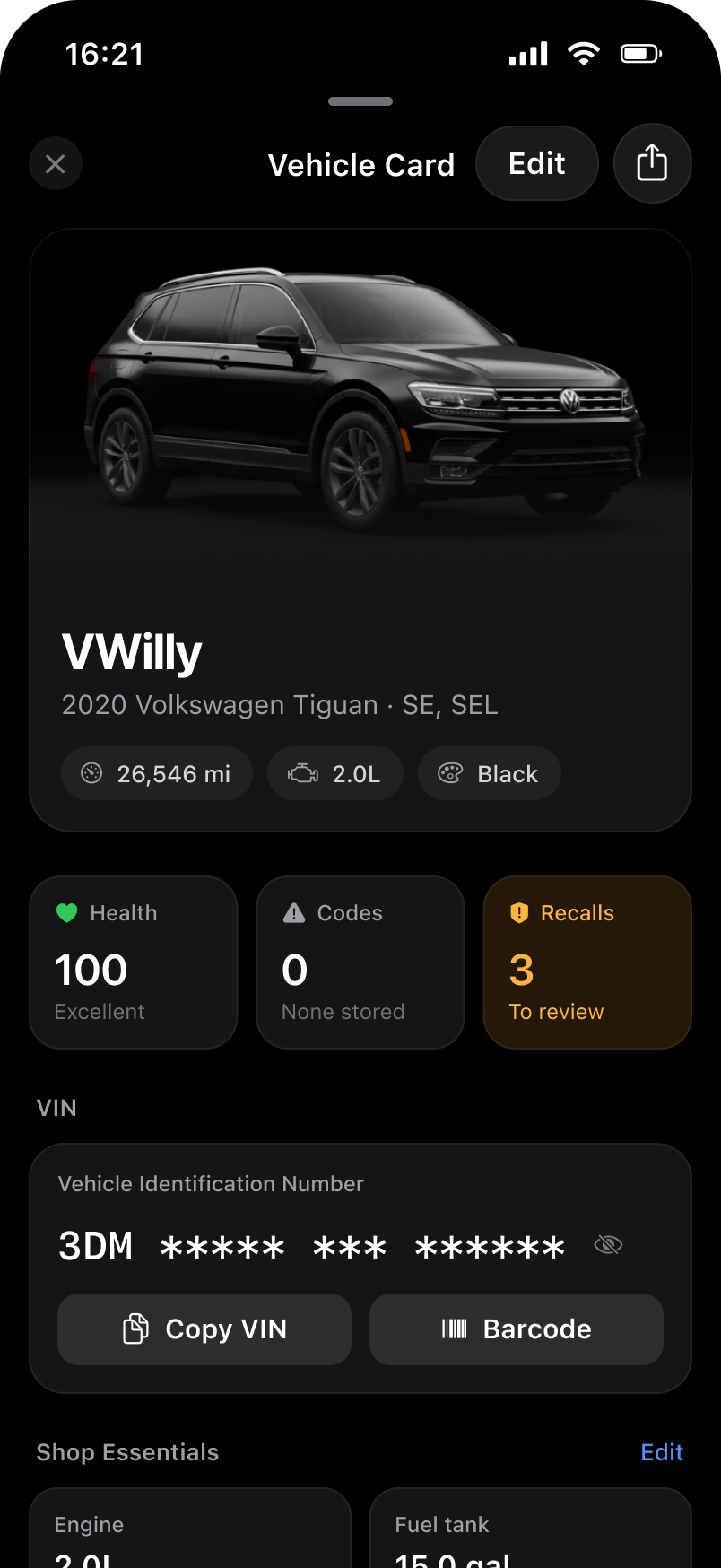
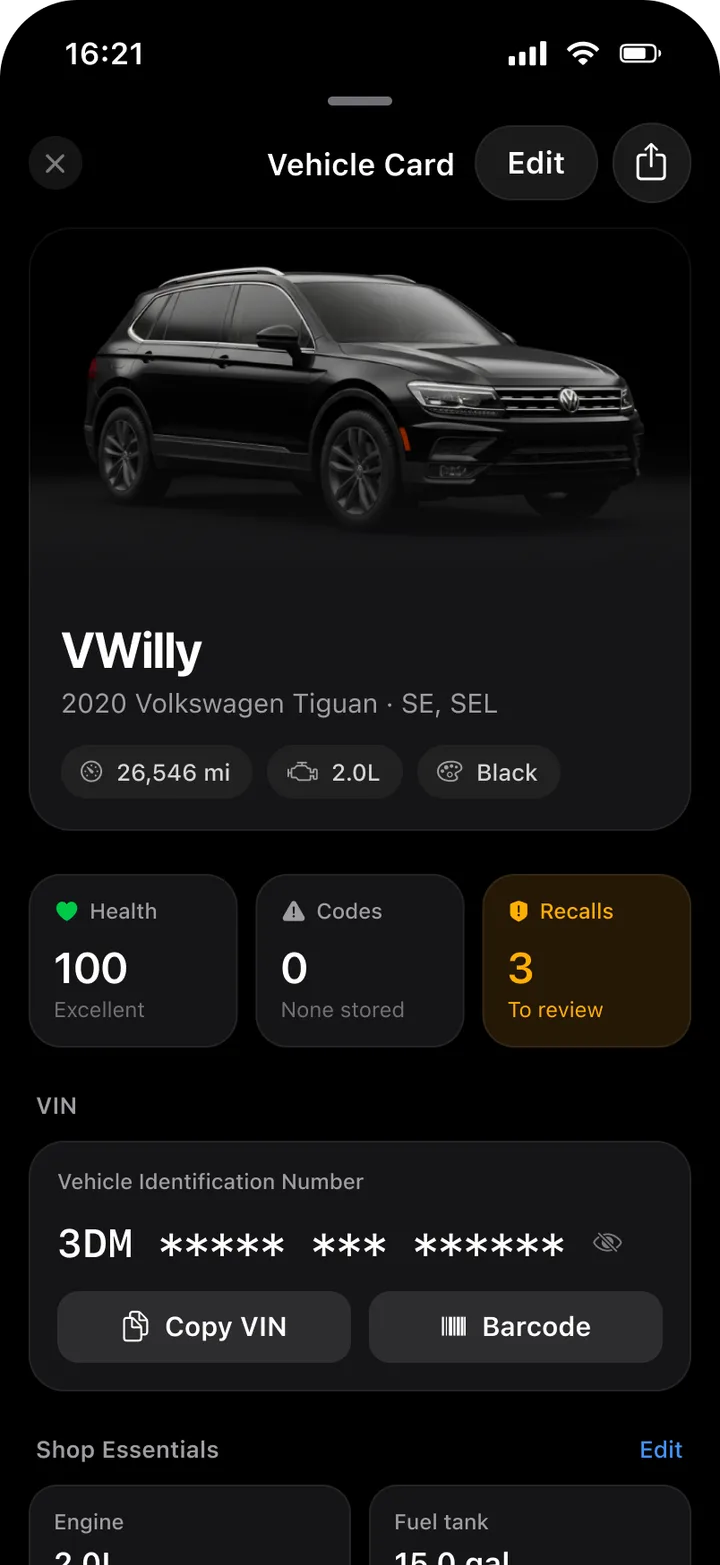
Your car. Health, stored codes, and open recalls for the car you drive, together on one card.
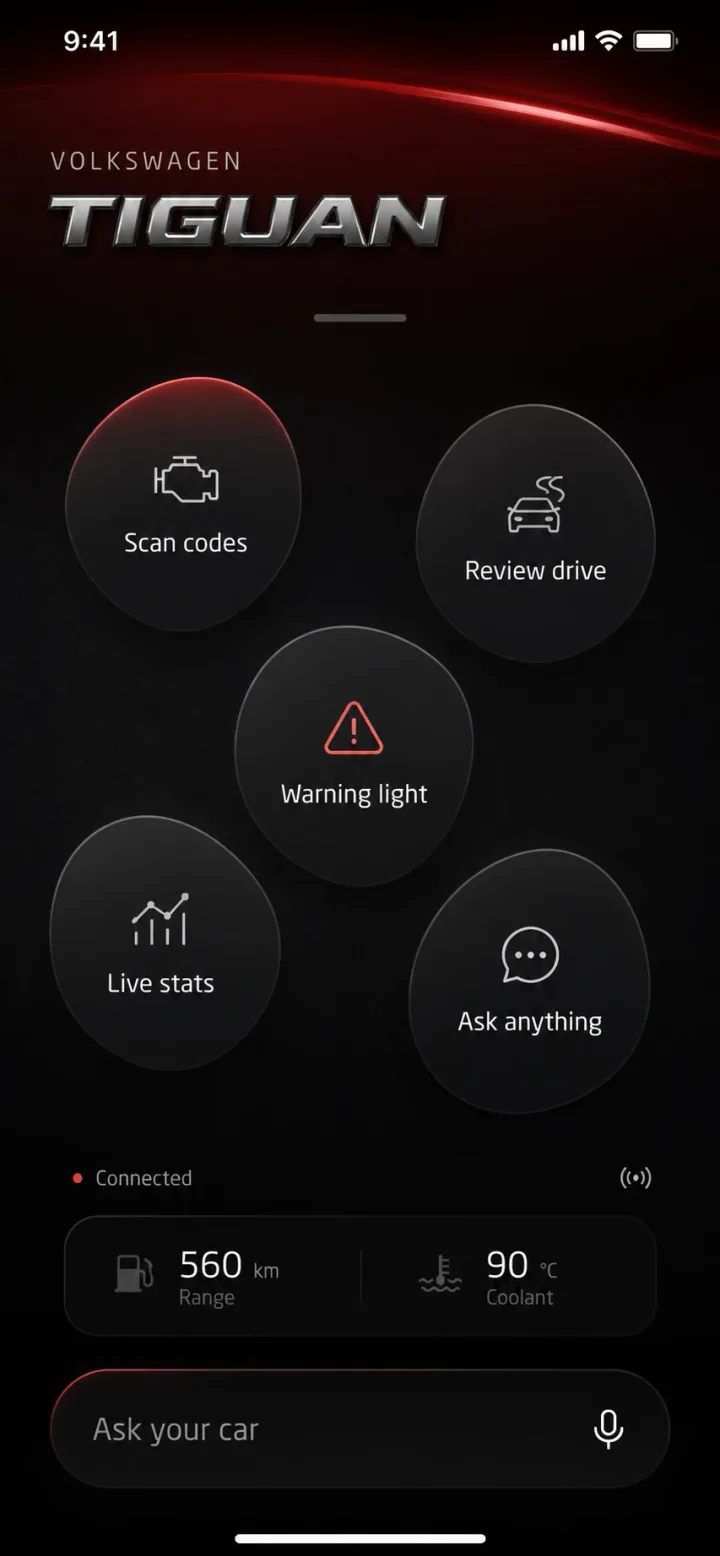
The scan. When a warning light comes on, scan for trouble codes and see what each one means and how closely to look at it.
The question. Ask whether it's safe to keep driving, by voice or text, and follow up without starting over.
Show it. Add a dashboard photo or record the sound of a rough idle, details a scan can't capture.
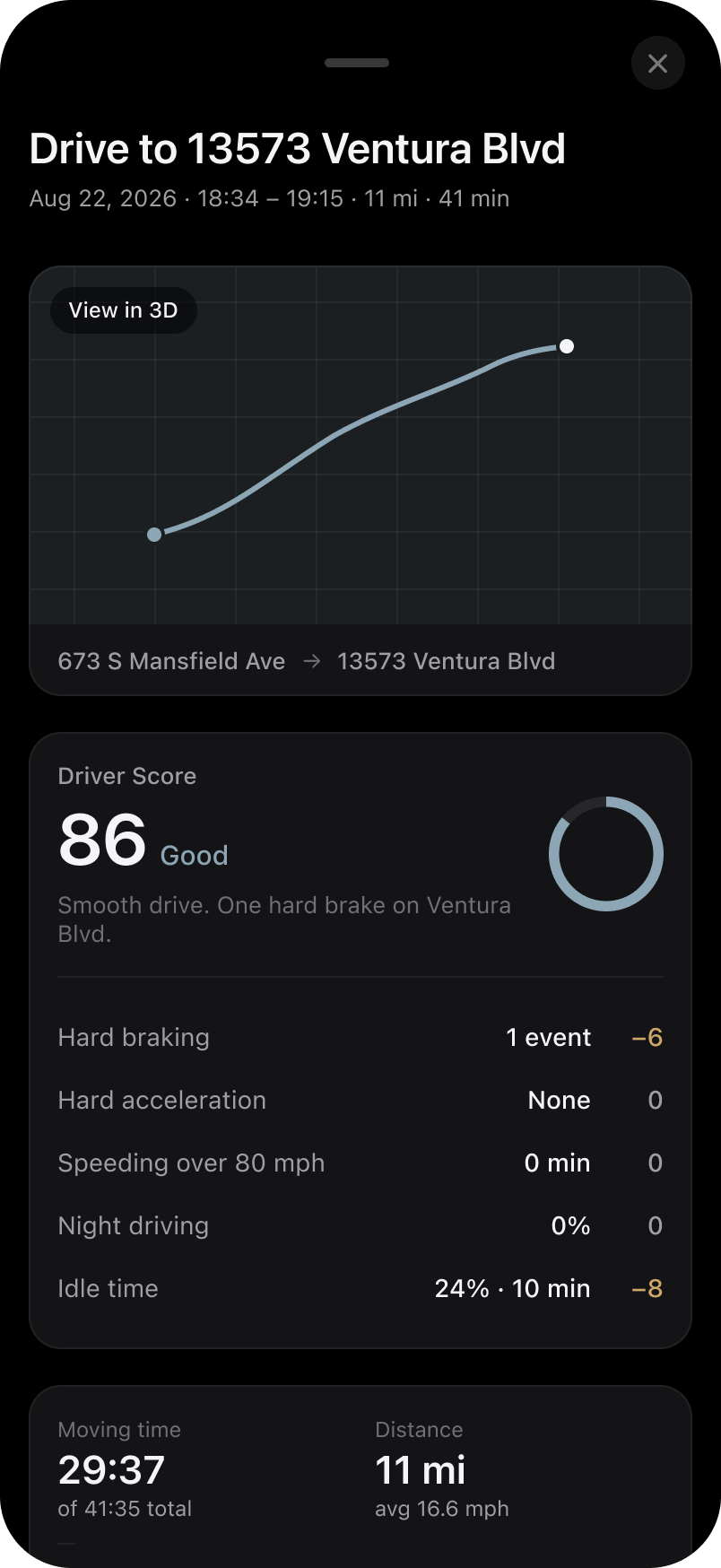
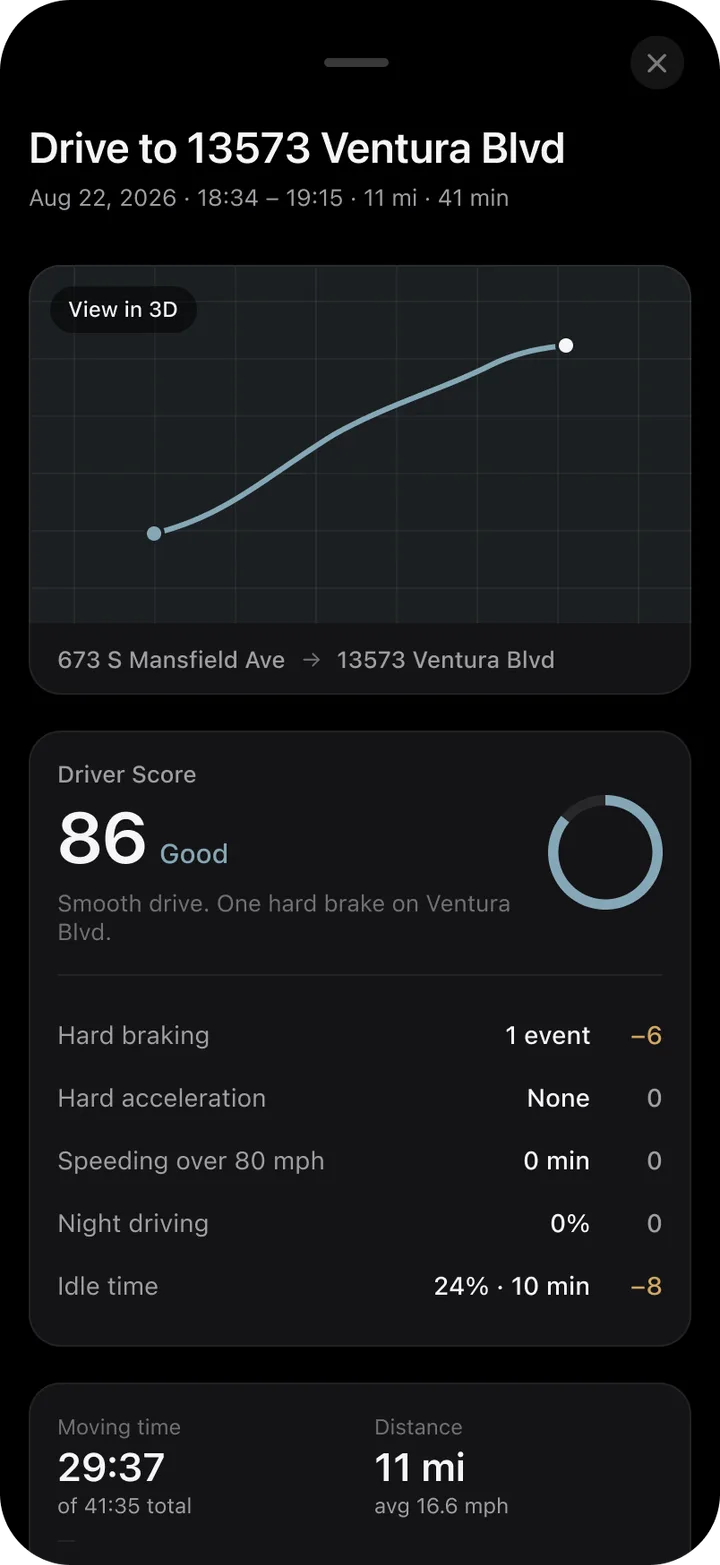
The drive. After you park, review the trip: the route, moving time, and a driver score with what affected it.
Before the shop. Return to past scans, drives, and conversations, and know what to ask about a repair quote.
Questions drivers ask
Choose an example below.
ChatOBD Assistant
Ask by voice and follow up without starting over.
Add details a scan can't capture, such as a dashboard photo or the sound of a rough idle.
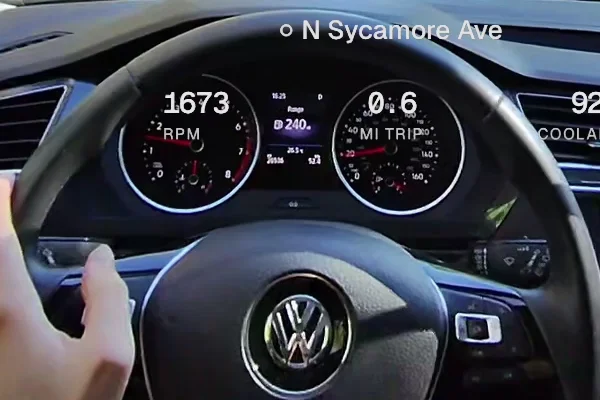 Dashboard photoEngine at idle0:08OBD scan
P0301This light came on and the engine sounds rough.
P0301. Is the check-engine light steady or flashing?FAQ
AI requests send your messages, attachments, and relevant vehicle context to our AI providers. Trip sync is optional and server-readable; Glovebox sync contents are end-to-end encrypted. You can manage permissions and optional product analytics in Settings. Our privacy policy explains the details and deletion options. Read the privacy policy.
We recommend a compatible iPhone Bluetooth OBD-II adapter so ChatOBD can read data directly from your car. Questions, photos, and recordings still work without one.
Your car needs an OBD-II port for a direct connection. Available trouble codes and sensor readings vary by vehicle and adapter.
Yes. The iPhone beta is free through TestFlight.
Not yet. The beta is iPhone only.
Early access for iPhone
Install the current beta through TestFlight and help shape what comes next.